
Dial is on the App Store
Dial is a count-up focus timer that lets a thought wait without losing the work. Dial 1.0 is out now and free to download. This page is only for people who want to test pre-release builds through TestFlight.
Testing a pre-release build? Already have TestFlight?
 Open the Dial inviteOpens TestFlight on your iPhone
Good to know
- It's free, and it's Apple's own app.
- It won't replace anything on your phone.
- You can leave the beta any time.
What you keep in Dial stays private — read how it stays private.
Three steps. About two minutes.
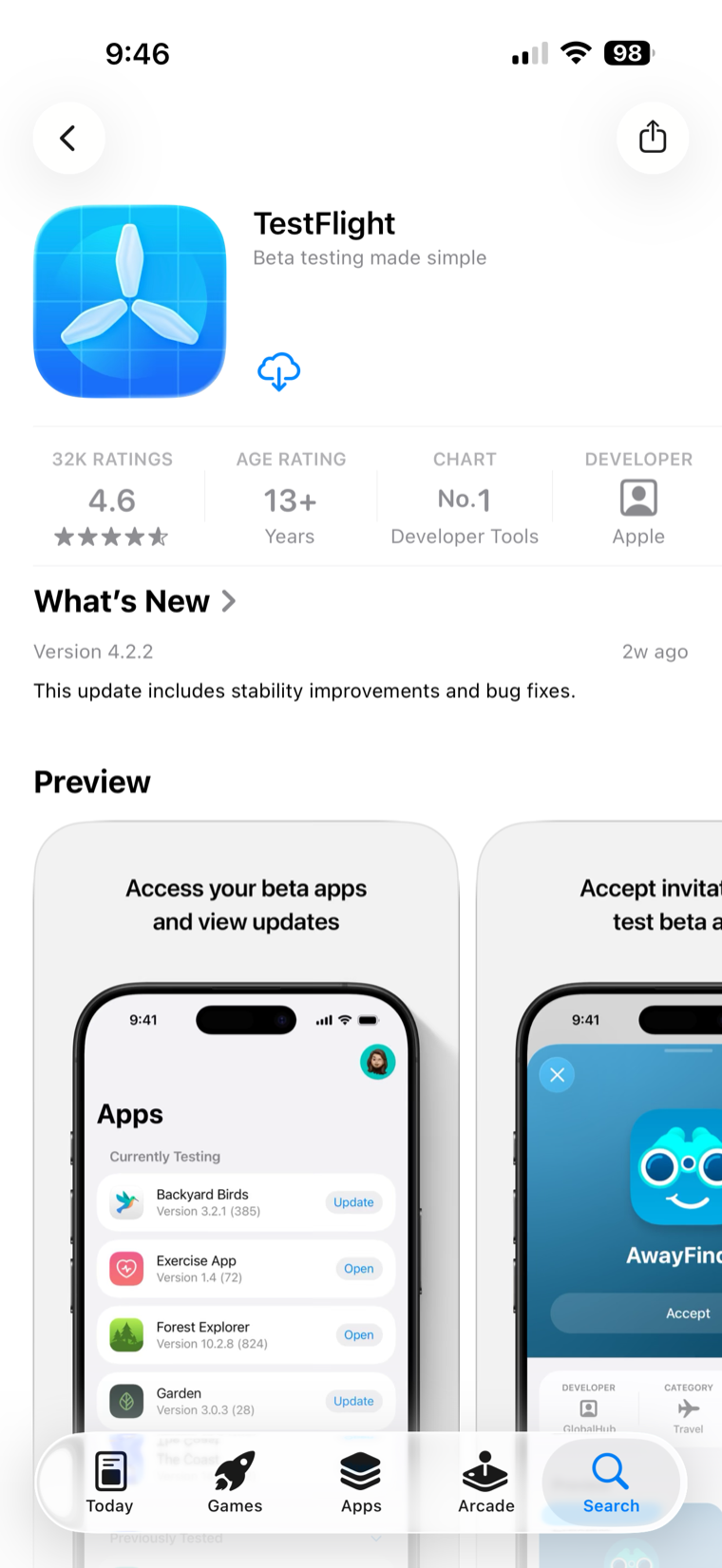
Install TestFlight from the App Store.
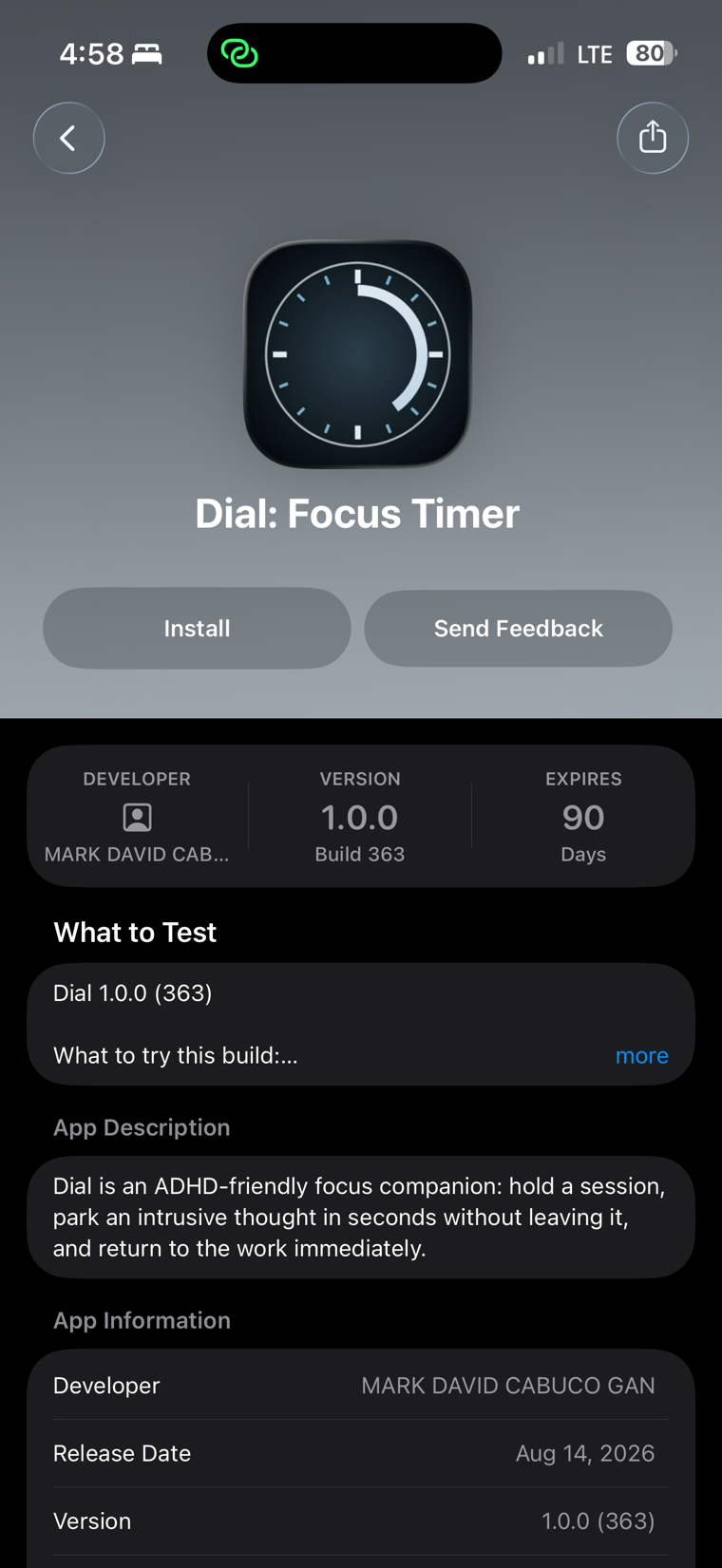
Open the Dial invite above on your iPhone and tap Install.
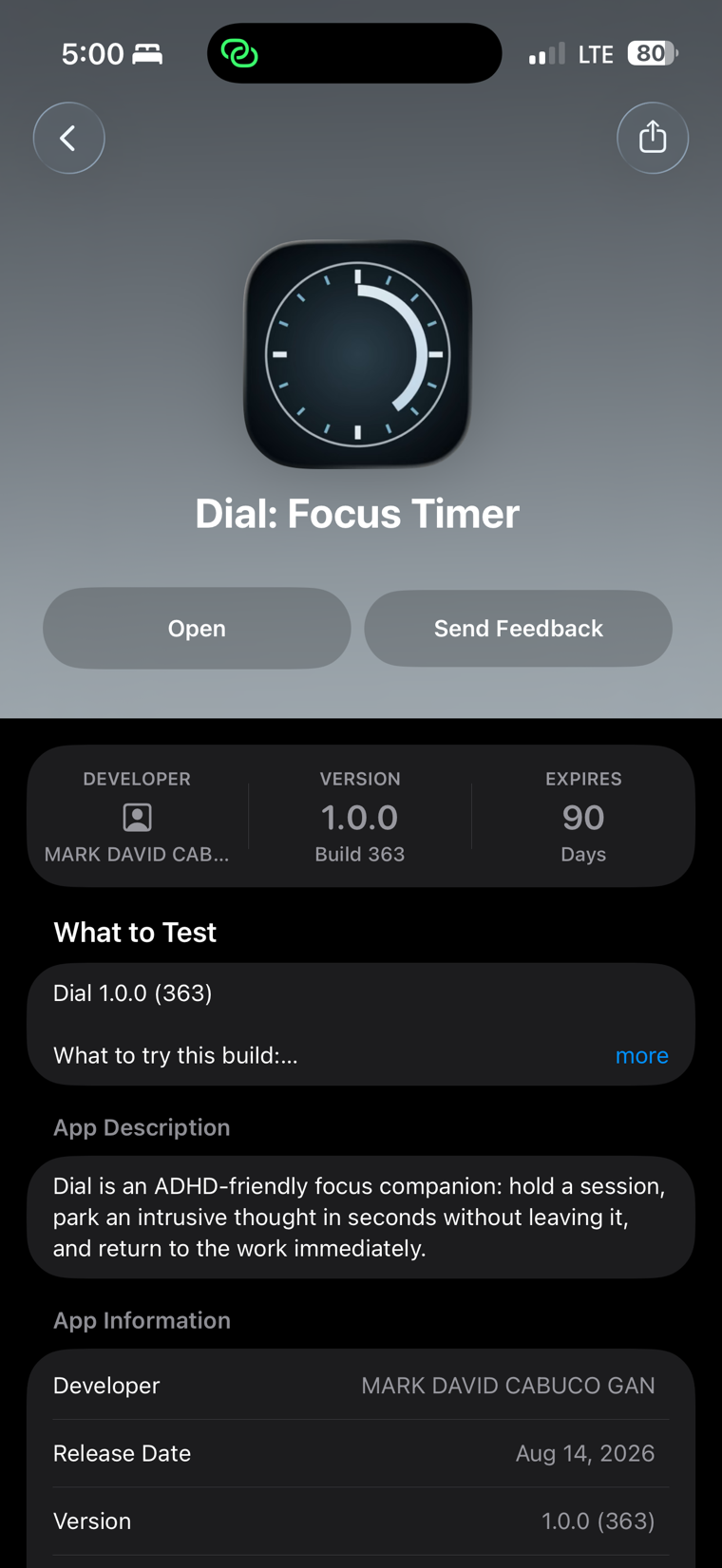
Open Dial from TestFlight once it finishes installing.
On a computer right now? Email yourself this link to open on your iPhone.